Downloader — Universal Media Downloader
Universal media downloader and local playback manager for Android.
Effortlessly grab and convert audio & video in seconds from YouTube, Spotify, TikTok, Instagram, Facebook, and 1,000+ sites. Powered by yt-dlp with multi-threaded aria2c turbo acceleration and hardware-backed keystore encryption.
Official Release
v1.0.0Verified production build compiled directly from the official GitHub repository.
Crafted For Android
Built with Jetpack Compose for fluid animations, edge-to-edge Material 3 theming, and intuitive gesture controls.
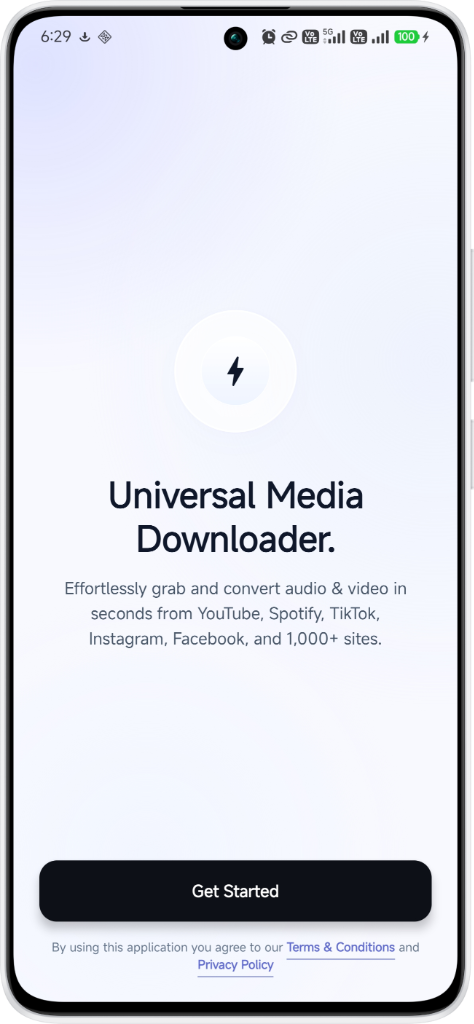
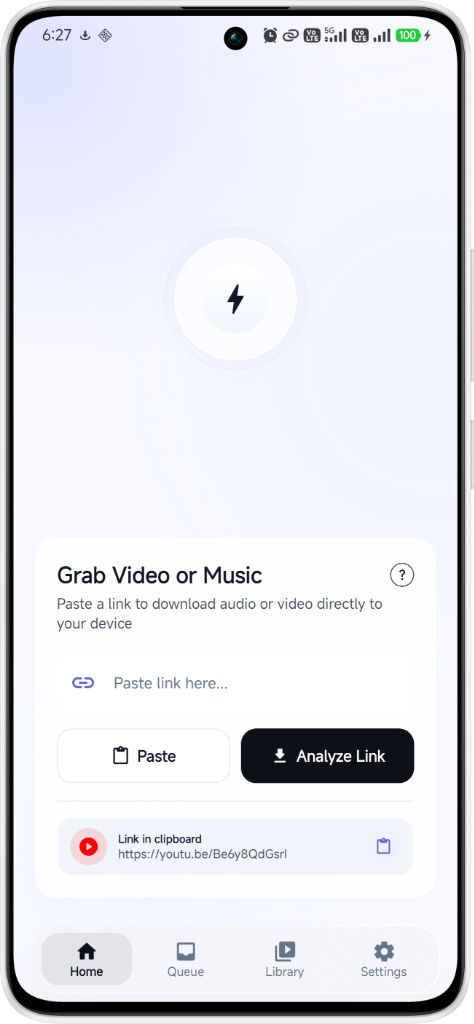
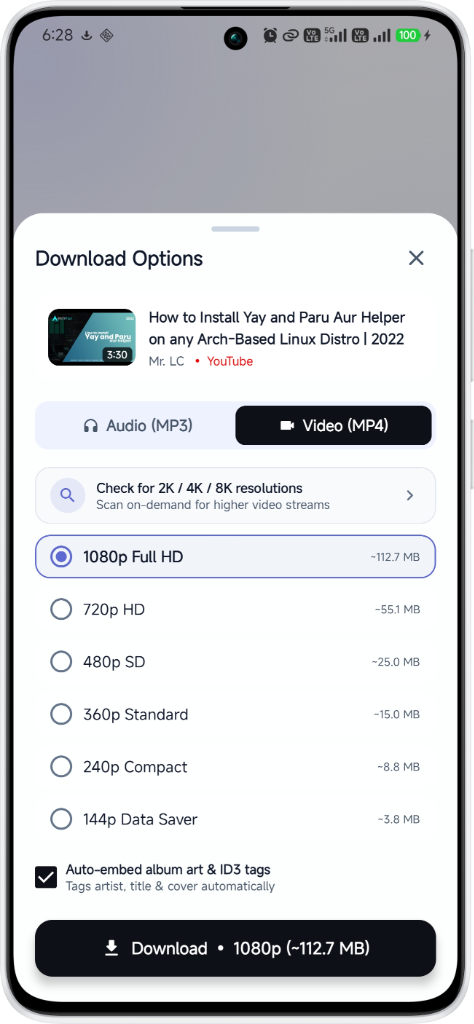
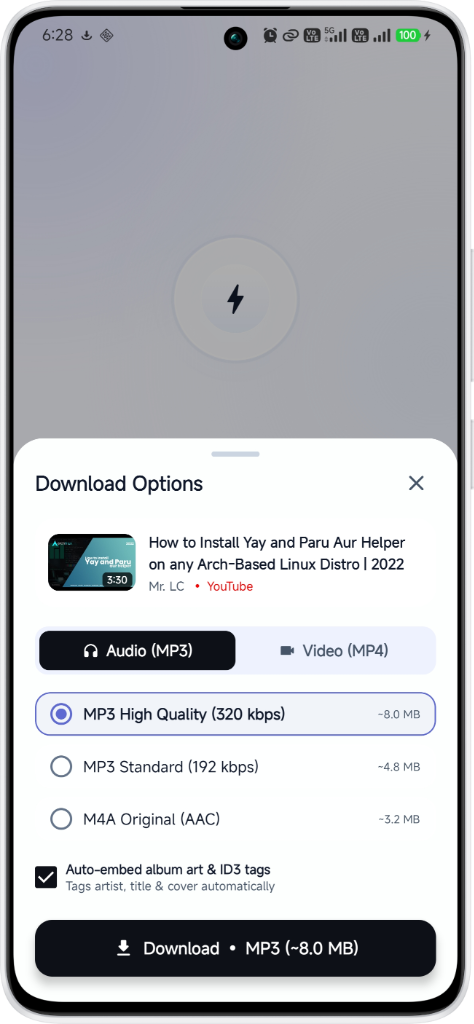
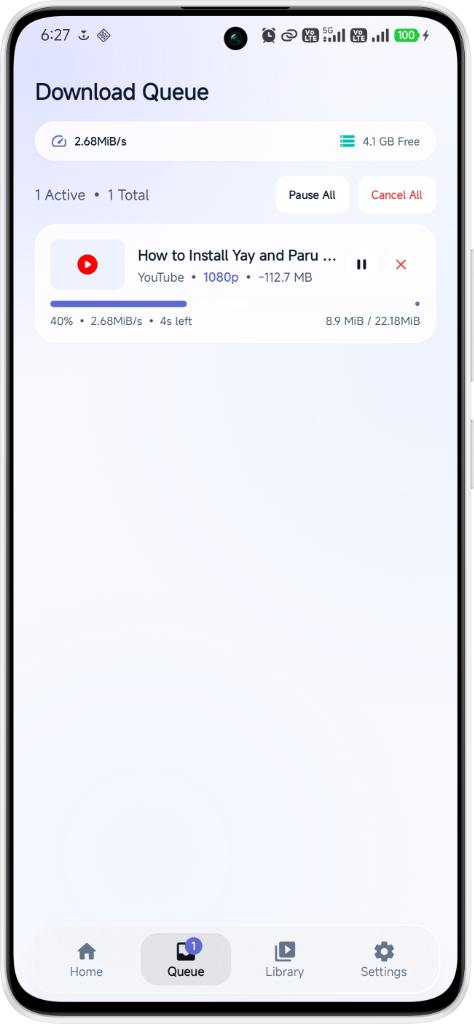
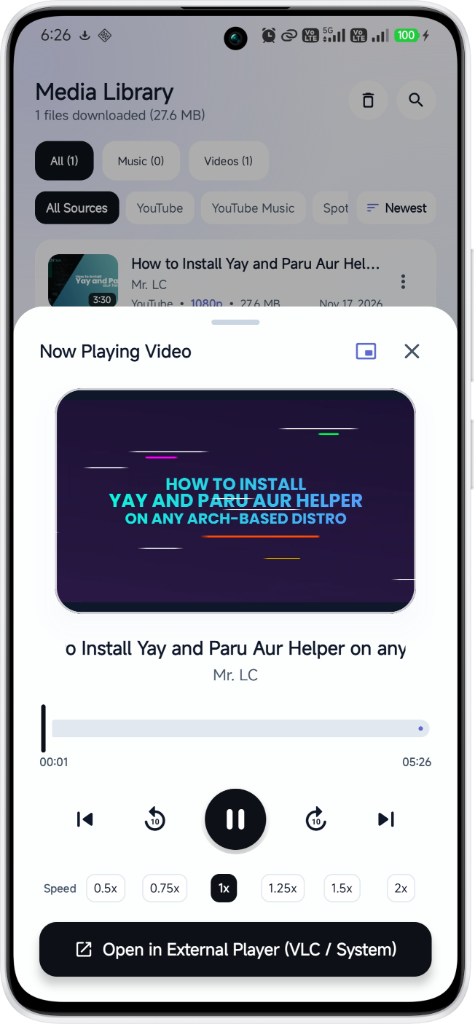
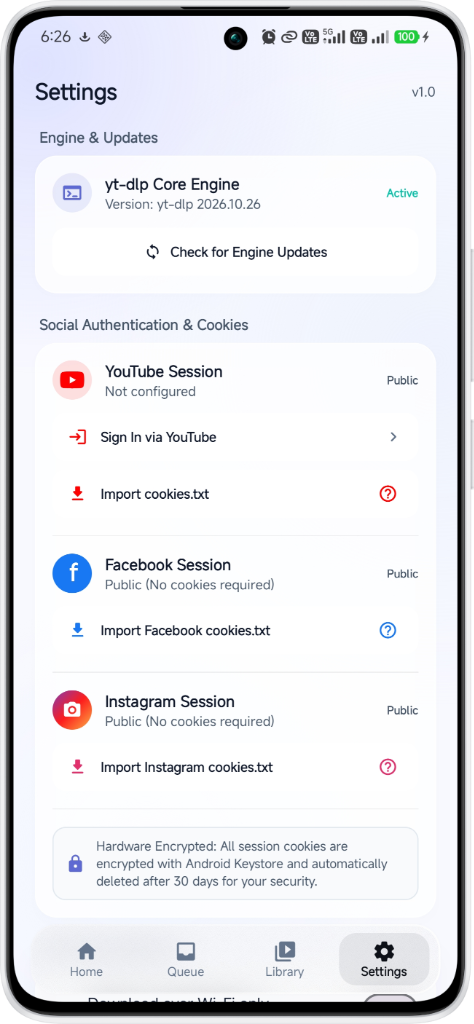
*Scroll horizontally to explore onboarding, format pickers, download queue, and playback screens.
Select Specific Architecture
Android phones use different processor architectures. Downloading the exact binary matched to your phone delivers the smallest app size and peak execution speed.
ARM64-v8a
RecommendedOptimal for 95%+ of modern smartphones released after 2017. Delivers fastest video processing and lowest storage footprint.
Universal Build
Bundles all processor libraries (ARM64, ARMv7, x86_64). Guaranteed to install on any Android device if you are unsure of your processor.
ARMv7 (32-bit)
Designed for legacy Android hardware, older budget devices, and 32-bit ARM microcontrollers running Android OS.
x86_64
Engineered for Android emulators (Android Studio, BlueStacks, LDPlayer), Intel/AMD tablets, and Chromebooks with ChromeOS.
Android System Requirements
Downloader is built natively for Android to deliver low-latency extraction and high-speed multi-threaded throughput.
Operating System
Android 8.0 (API Level 26) through Android 15+ (API 37)
Processor & Architecture
ARM64-v8a (recommended), Universal, ARMv7, or x86_64
Storage & RAM
Minimum 2 GB RAM, 100 MB free internal space + download storage
Hardware Keystore
Hardware-backed TEE / StrongBox for session cookie encryption
Device Permissions Explained
Open Source Guarantee: Downloader is free and open-source software licensed under GPLv3. The application contains zero commercial tracker SDKs, telemetry beacons, or in-app advertising libraries.
Version History & Releases
Real-time release history synchronized directly from the official leanwell/Downloader repository.
How to Install on Android
Installing signed APKs directly gives you immediate access to releases without app store delays.
Download APK
Click the download button to grab Downloader-arm64-v8a.apk (~60.5 MB) directly onto your phone.
Open the File
Tap the download notification. If prompted, allow "Install unknown apps" for your browser in system settings.
Complete Installation
Tap Install on the Android package installer prompt. Once complete, launch Downloader and start grabbing media.